Create CANopen Database
In order to interpret PDO message signal values on a CANopen network, you need to create your own database file.
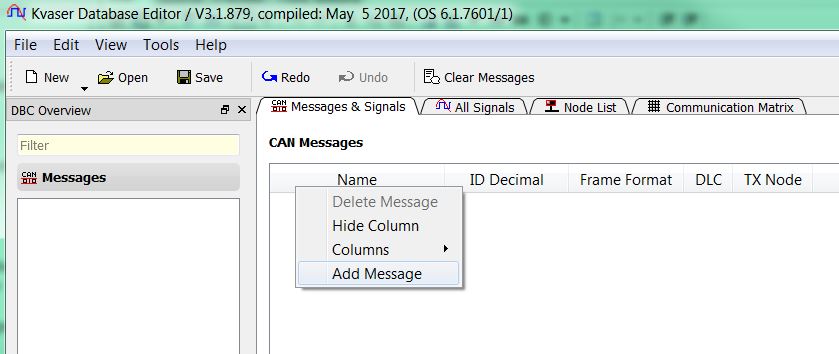
Open the built-in Kvaser Database Editor tool and start adding messages by right-clicking on the area of the Messages & Signals tab.
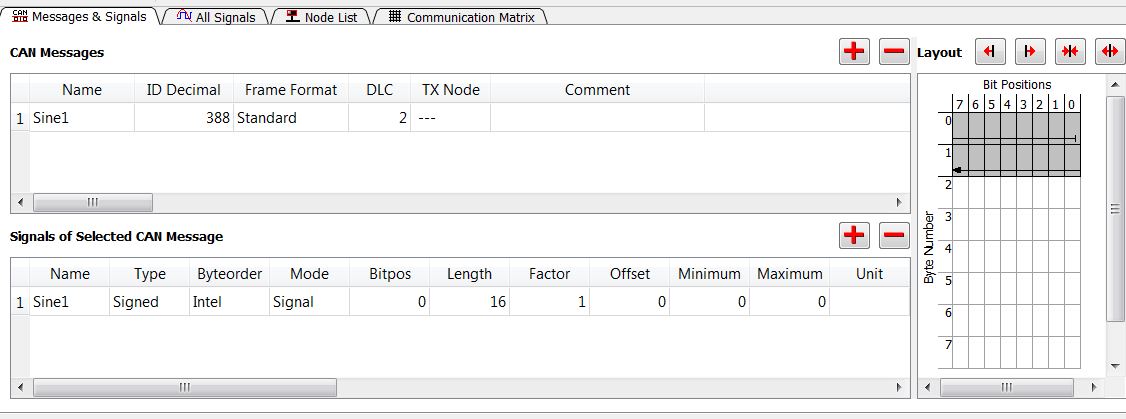
Example PDO Configuration
For example, the PDO message below has been created for a CANopen node with a decimal CAN ID of 388.
After the database is created, associate this file in CANtrace. Then, in the Trace tab, the name and value of the message will be displayed when Fixed View is enabled.